
 Resources
 Campus Life
 Just for you


 My Canyons
  Canvas
Workflow
OnBase: Workflow
How to cancel an e-form in OnBase-Workflow.
- Login to your OnBase website
- Click the Main Menu Icon, on the top left of the website
- Click Status View
- Double click on a line-item in one of the tables to open an e-form.
- You should now have an active form open in a new window.
- Pop-ups will need to be enabled in your web-browser for this to work.
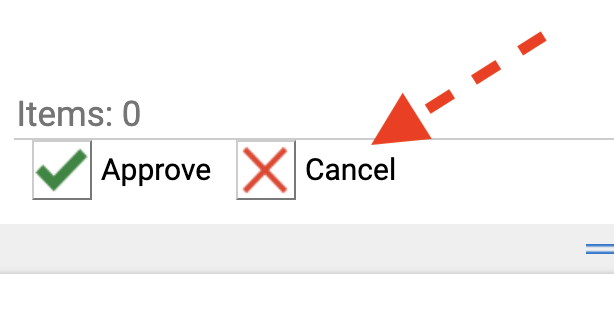
- Click the CANCEL button, with the red-X icon.
- Your form will then be canceled and removed from processing.
- Close the pop-up window; "OnBase work-flow"