 Resources
 Campus Life
 Just for you


 My Canyons
  Canvas

Microsoft Office Online
As a student of College of the Canyons, you have access to the online versions of Microsoft Office applications. In order to access this, just follow these simple steps.
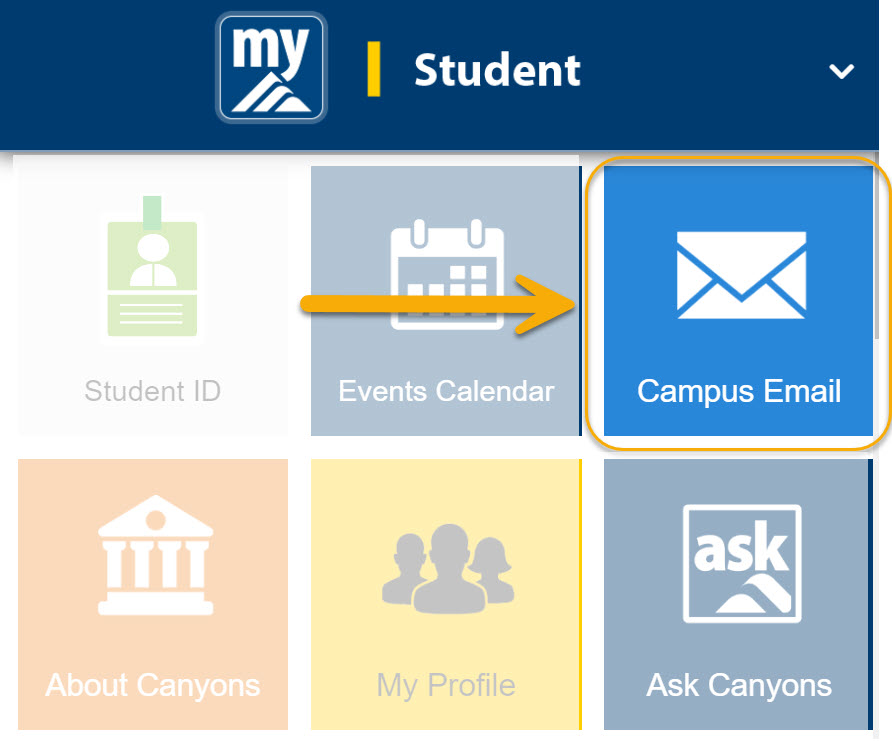
Step 1: Log into your MyCanyons, and click on 'Campus Email'
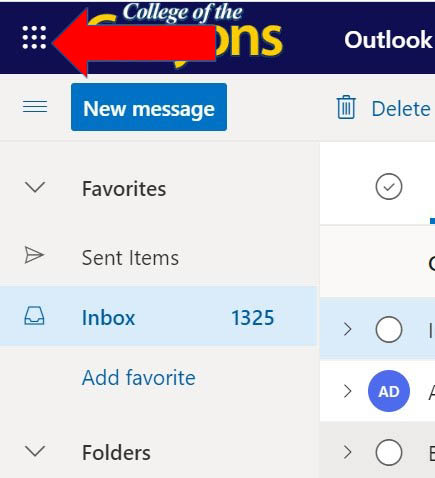
Step 2: Click on the menu at the top left of the email screen.
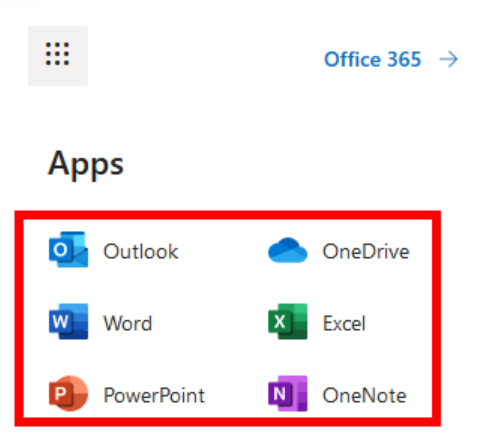
Step 3: Select the Microsoft Office application you would like to use.
(ie. Word, Excel, Powerpoint, or OneDrive)
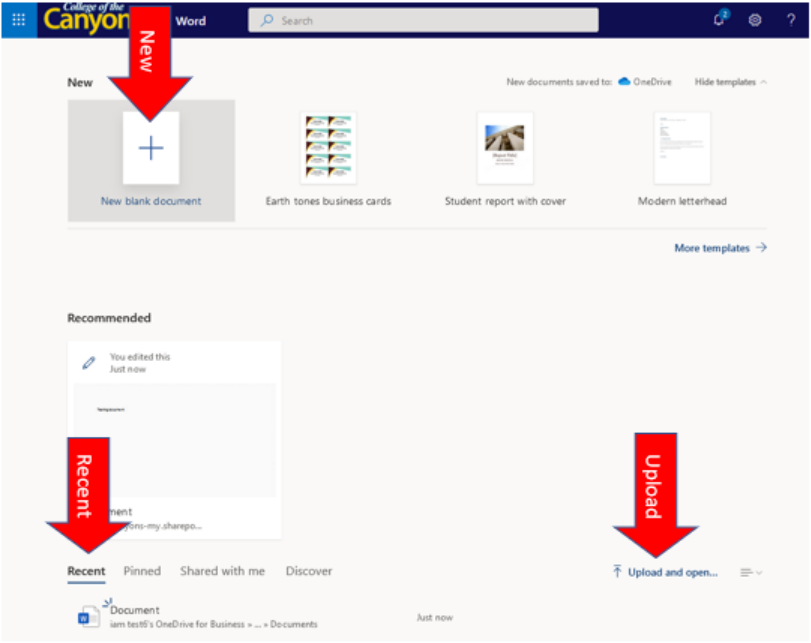
Step 4: You can select to open a new document or recent ones.